
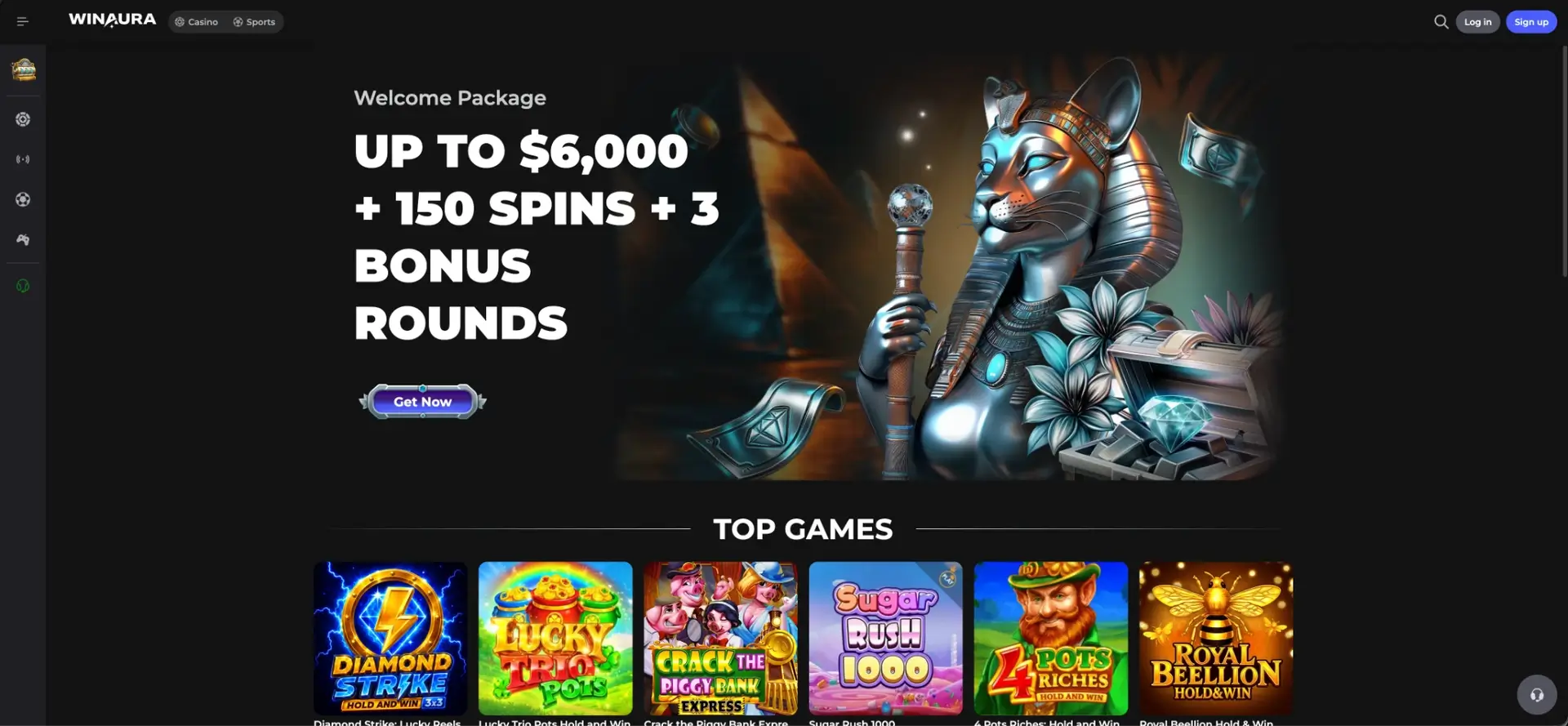
Winaura login starts from the Log in button in the upper-right corner of the casino interface and gives registered users access to the same account used for casino games, live casino, sports, esports, bonuses, loyalty status, balance functions and the cashier. Canadian accounts can use CAD and the site includes English (Canada) and Français (Canada), so the account can be configured for Canadian currency and language preferences without creating separate casino and sports profiles.
Winaura can request KYC at the first withdrawal and may perform verification at other stages, including deposits. This means normal sign-in and identity verification are separate account processes: login provides access to the profile, while KYC becomes relevant when the casino requires documents or additional checks under its payment and security rules.
Winaura login essentials
The account entry point is visible from both the Casino and Sports areas. The same top navigation also contains Sign up for new accounts, while registered users can move between gambling sections after authentication.
| Login feature | Winaura details |
|---|---|
| Login location | Log in button in the upper-right corner |
| Account scope | Casino, Live Casino, Sports, Esports, bonuses, loyalty and cashier functions |
| Canadian currency | CAD is supported |
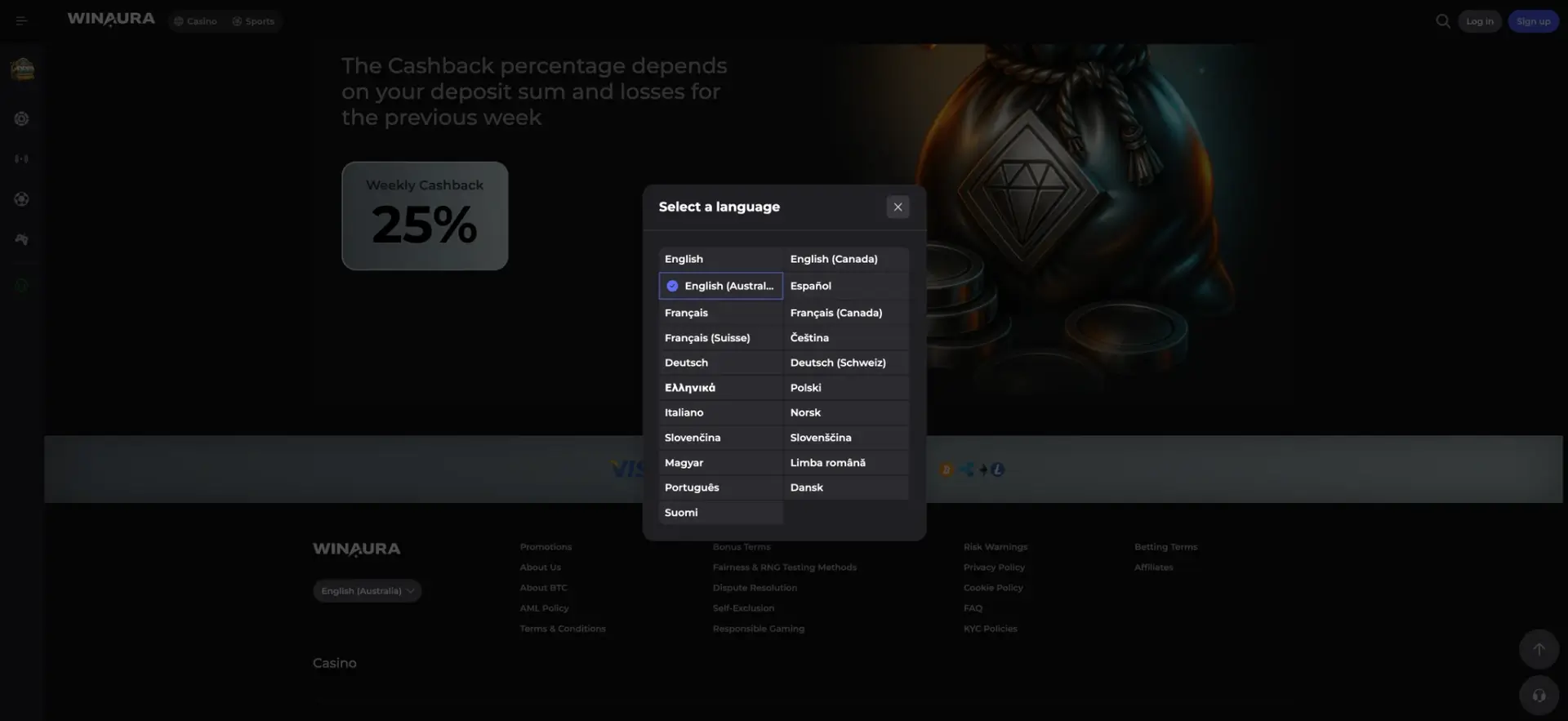
| Canadian language options | English (Canada) and Français (Canada) |
| Bonus progress | Active bonus wagering progress can be checked on the Balance page |
| Help | Help Center is available from the site menu |
| KYC timing | Can be requested at first withdrawal and at other stages |
| Mobile access | Web access plus a Casino App installation entry |
How to use Winaura login
The login flow begins from the official site rather than a separate account portal. Winaura does not need a different sign-in for casino and sports because both sections sit inside the same account environment.
Step-by-step Winaura login
The exact form fields should always be completed according to the current login panel, but the access sequence remains centred on the Log in control shown in the main header.
- Open the official Winaura website.
- Select Log in in the upper-right corner.
- Enter the account credentials requested by the login form.
- Check the entered details for typing errors before submitting the form.
- Complete any additional account-security step that Winaura requests for that session.
- After authentication, open Casino, Sports, Esports, Bonuses, Balance or another account section from the main navigation.
Creating a Winaura account before login
Users without an existing profile need to register before Winaura login can be used. The Sign up control sits beside Log in, and registration should be completed with accurate information because the casino can later compare identity documents and payment-account ownership with the details stored on the profile.
Registration sequence
Currency and language choices are especially relevant for Canadian accounts because Winaura supports CAD and has dedicated Canadian English and French options.
- Select Sign up from the Winaura header.
- Complete the personal and account fields requested by the registration form.
- Select CAD where the account currency can be chosen.
- Select English (Canada) or Français (Canada) if either is preferred.
- Read the Terms & Conditions, Bonus Terms, KYC Policies and responsible-play information.
- Confirm registration and use the resulting credentials for future Winaura login sessions.
What becomes available after Winaura login
Authentication connects the user to the account functions that are not limited to the public lobby. The casino and sportsbook share navigation, while promotions and loyalty tools are grouped in a dedicated account-oriented menu.
- Casino: pokies, Exclusive games, Original Games, jackpots and provider filters.
- Live Casino: 463 live titles including blackjack, roulette and game shows.
- Sports: live and pre-match betting, predictions, bets feed and play tracker.
- Esports: Counter-Strike, Dota 2, Valorant, League of Legends and other disciplines.
- Bonuses: promotions, weekly cashback, rakeback and reload offers.
- Loyalty: Bronze, Silver, Gold and Platinum progression.
- Balance: active bonus wagering progress and account funds.
- Cashier: deposits, withdrawals and payment-account management.
Winaura login on mobile
The Winaura site can be opened on a mobile browser, and the menu also includes a Casino App option with an the installation option prompt. A registered account should use the same Winaura credentials regardless of whether access starts in the browser or from the installation option provided by the casino.
- Open Winaura on the mobile device.
- Select Log in from the site header or mobile menu.
- Enter the credentials requested by the login panel.
- Complete any security prompt applied to the account.
- Use the same profile for casino, sports, bonuses and cashier functions.
Winaura app login
The Casino App option is integrated into the Winaura navigation. Installation should begin from the official site so the user receives the method Winaura currently supports for the device instead of relying on a third-party package or an unrelated download page.
- Open the Winaura menu.
- Select Casino App.
- Select app installation.
- Follow the device or browser installation prompt.
- Open Winaura from the installed access point and complete the normal login process.
If Winaura login does not work
A failed login does not automatically mean that the account is blocked. Credential errors, browser state, network interruptions or a security check can all prevent a session from opening, so the cause should be narrowed down before repeated login attempts are made.
Check the account credentials
The first check is whether the login form contains the same account information used during registration. Unnecessary repeated attempts should be avoided if the credentials are uncertain.
- Re-enter the requested login identifier carefully.
- Check password capitalization and accidental spaces.
- Use the recovery option if the current login panel provides one.
- If no suitable recovery control is available, open the Winaura Help Center.
Check the browser or connection
If the credentials are correct but the login panel does not complete, the browser session or network can be checked without changing account details.
- Reload the official Winaura page once.
- Confirm that the internet connection is stable.
- Close duplicate Winaura tabs that may be holding an older session.
- Clear site data or try another current browser if the login form remains unresponsive.
Account restrictions and verification
KYC is mainly tied to account and payment compliance rather than the ordinary login button. Winaura can nevertheless restrict account actions while required verification is incomplete, particularly when a withdrawal is pending or a payment check has been triggered.
- Check whether the account has a pending KYC request.
- Provide only genuine identity and address documents requested by Winaura.
- Make sure the registered payment account belongs to the same person as the casino profile.
- Use the Help Center when an account-level restriction cannot be resolved from the profile.
KYC after Winaura login
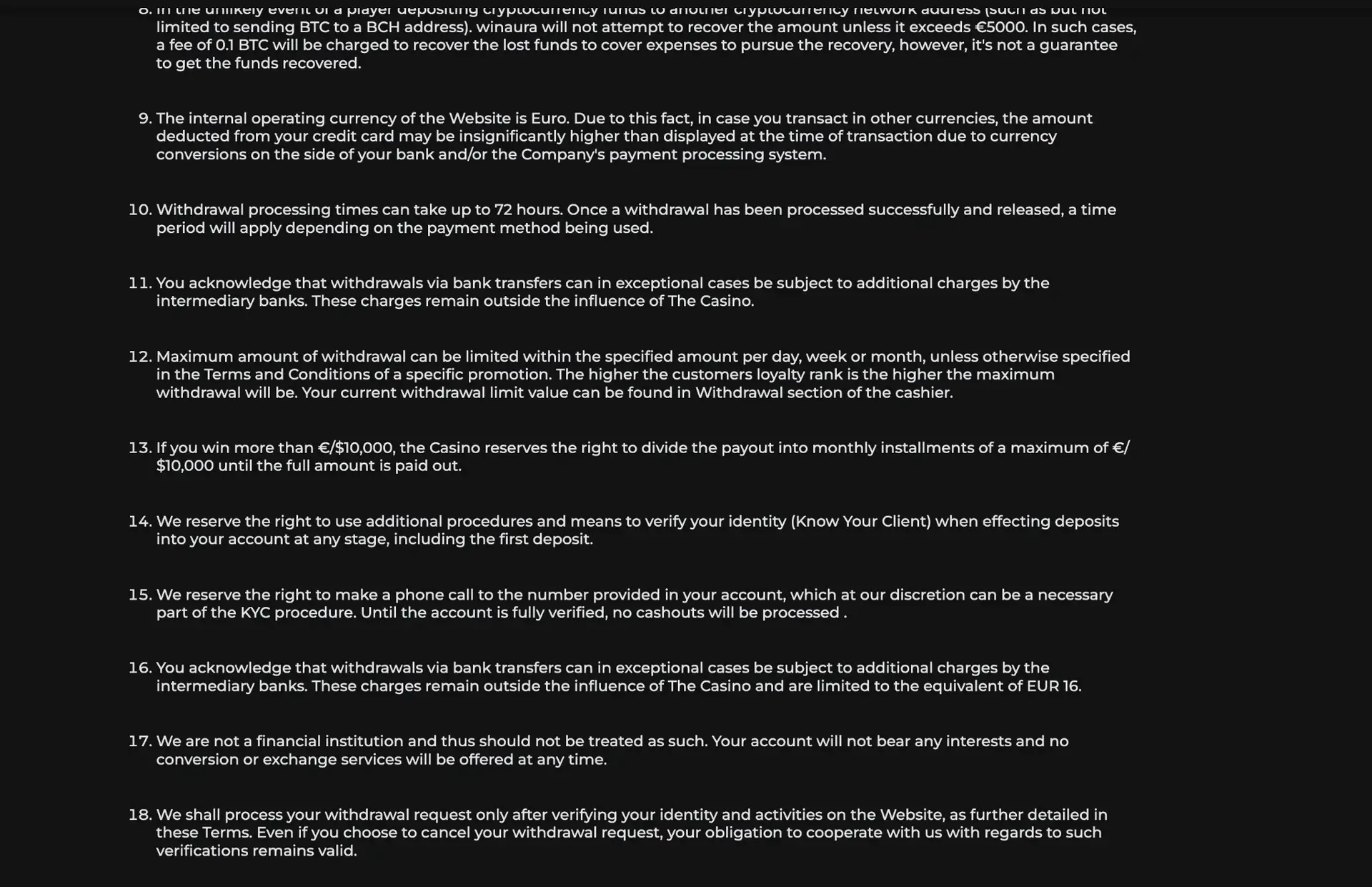
Winaura can request verification at the first withdrawal and can repeat checks later. The rules also permit KYC procedures at deposit stages, including the first deposit. Required cashouts are not processed until identity verification has been completed, which makes document readiness relevant even when normal Winaura login continues to work.
| KYC item | Possible Winaura requirement |
|---|---|
| Identity | Passport or national identity card |
| Address | Utility bill or another requested address document |
| Payment method | Copies of debit or credit cards used for deposits can be requested |
| Phone | A call to the registered number can be required as part of KYC |
| Withdrawal status | Cashouts remain pending until required verification is complete |
Login security for Canadian accounts
Winaura account security depends on keeping the registered credentials and payment details under the control of the account holder. The payment rules require cards and other payment accounts to match the name registered at Winaura, so account sharing can also create problems later in the cashier.
- Use only the official Winaura site or the Casino App entry provided from that site.
- Do not share account credentials with another person.
- Keep the registered phone number and personal information current.
- Use payment methods in the account holder's own name.
- Complete KYC only through Winaura's official account and support channels.
Winaura login FAQ
These answers address common account-access questions for Winaura users in Canada.
Where is the Winaura login button?
The Log in button is located in the upper-right corner of the Winaura interface beside Sign up. It remains part of the main header across the Casino and Sports sections.
Can a Canadian Winaura account use CAD?
Yes. CAD is included in Winaura's accepted-currency list, and English (Canada) and Français (Canada) are available in the language selector.
Is there a separate Winaura login for sports betting?
No separate sports profile is indicated. Casino and Sports are part of the same Winaura navigation and use the same account environment.
Can Winaura request documents after login?
Yes. KYC can be required at the first withdrawal, during later account checks or at deposit stages. Documents can include identity, address and payment-method evidence.
Where can active bonus wagering progress be checked?
Winaura states that wagering progress for an active bonus can be checked on the Balance page.
Can Winaura login be used on mobile?
Yes. Winaura can be accessed from a mobile browser, and the site also provides a Casino App installation entry. The same registered account is used for access.
What should happen if the account cannot be recovered from the login form?
The Help Center is the appropriate next account-support route when the current login form does not provide a usable recovery option or when the issue involves an account restriction.
Responsible gambling
Winaura is for adults only. Check local eligibility rules, set firm spending and time limits, and never gamble with money needed for essential expenses.